Designing an exception queue people will use
Give reviewers the source evidence, a precise problem and a safe next action so automation exceptions can be resolved without rebuilding the investigation.
An invoice reaches the review queue because its total does not match the purchase order. The reviewer opens it and finds a file name, a red warning and a button marked Retry. To make a decision, they still have to locate the order, compare the line items and work out whether anything has already been posted.
The automation detected a problem. The review interface left the investigation to the person.
An exception queue should carry the evidence collected so far and let the reviewer resolve a specific issue. Its usefulness depends on how much work remains between opening an item and completing a defensible action.
Say what needs a decision
Separate an infrastructure failure from a business question. A temporary connection error may need an automatic retry. Two supplier records that appear to describe the same business may need someone to choose whether they should merge. Those cases require different controls and different owners.
Give each entry a plain description of the unresolved condition. For the invoice, show which amount disagrees, what it is being compared with and why processing stopped. Keep diagnostic details available without making the reviewer interpret a raw service response.
This applies established interface guidance to operational review. Nielsen Norman Group recommends placing feedback near the affected input, describing the problem precisely and helping people recover while preserving their work. An exception queue needs those qualities even when the reviewer did not create the original input.
Use a dead-letter queue for exhausted technical retries, and keep its investigation needs distinct from business decisions awaiting approval.
Put the evidence beside the proposed change
Show the relevant part of the source document alongside the extracted fields. If a value came from another system, identify that record and when it was fetched. Highlight the disputed field without hiding the surrounding context needed to judge it.
For a proposed merge, show both records and the values that would survive. For a drafted reply, show the recipient, the complete message and the policy passage used to prepare it. A summary can help orientation, but the person should be able to inspect the actual evidence before approving a consequential change.
Keep the original input. A correction should create a traceable revised value rather than silently replacing the evidence that produced the exception.

Make the available actions specific
A reviewer might correct a field, select an existing supplier, ask for more information or reject a document. Use action names that describe what will happen. A generic Resolve button can conceal whether the system will save a draft, send a message or resume a pipeline.
Show the effect before committing it. If correcting an amount will resume processing, say which stage runs next. If an action sends information outside the organisation, display the destination and require the appropriate authority.
A person may have enough knowledge to inspect a case without having permission to release it. Check permissions when the action executes, not only when deciding which buttons to display.
Prevent two reviewers from completing the same item
Queues often become shared workspaces. Give items an owner or a visible claim state, with a way to release abandoned work. If a second person opens a claimed item, they should see that someone is already handling it.
A claim badge alone does not protect the underlying record. At submission, check that the case is still pending and that the evidence has not changed since it was reviewed. If a purchase order was edited in the meantime, preserve the reviewer’s input and ask them to check the new information before applying it.
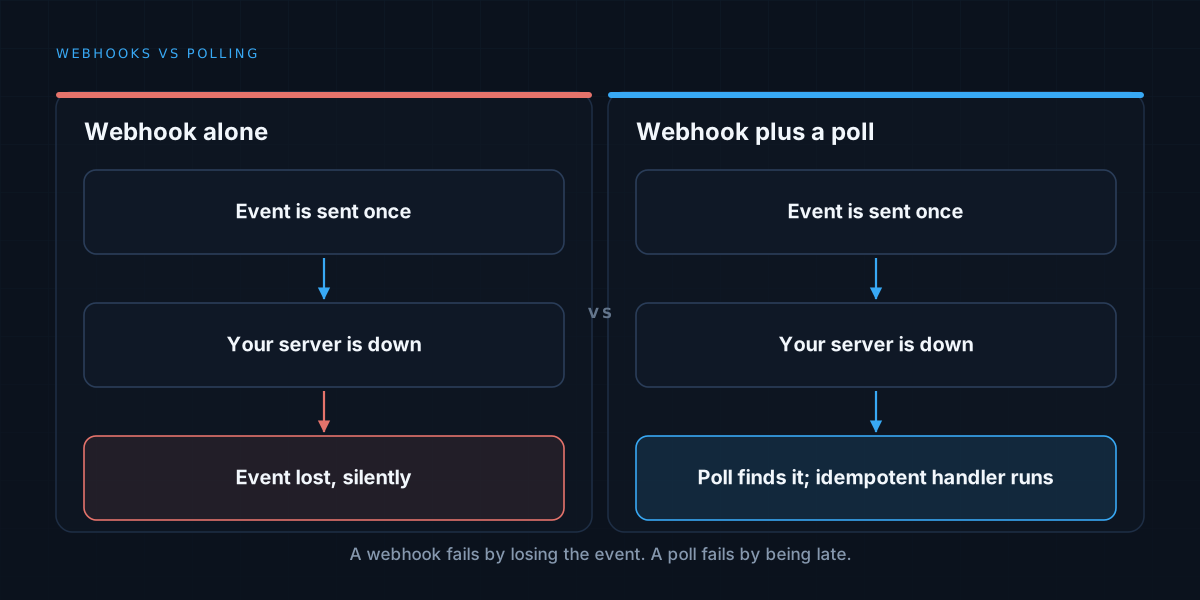
Design repeated submissions safely too. A double click or timeout should not create two refunds or dispatch the same message twice. The recovery problem is covered in idempotent automation.
Order the work by consequence and age
The newest item is not necessarily the most urgent. A blocked order approaching its shipping deadline may deserve attention before a harmless formatting correction. Define priority using the business consequence and the time remaining to act.
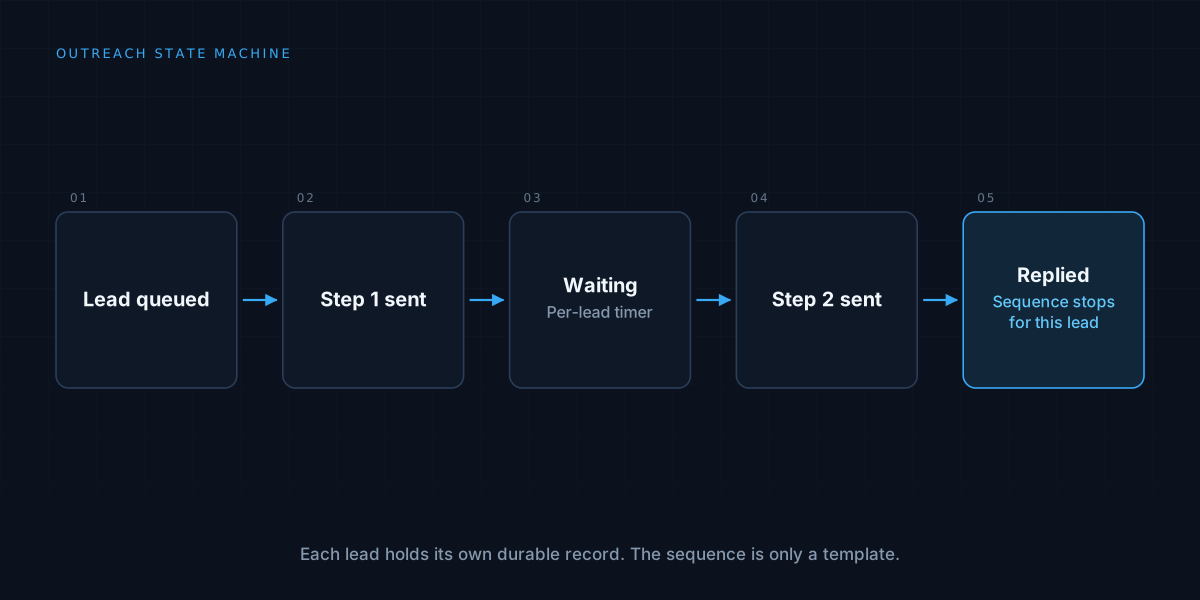
Keep age visible and establish an escalation route for items nobody can resolve. Waiting on a customer is a different state from waiting for an internal reviewer; recording that distinction makes the delay easier to investigate.
Do not discard a case merely because its deadline passes. Record whether it was escalated, deliberately closed or superseded, and preserve the reason.
Learn from the resolutions
Record the original proposal, the correction and the reason for it. Repeated corrections can reveal a supplier format the extractor handles poorly or a policy that operators interpret differently.
Measure time spent investigating as well as the number of items closed. A queue may appear productive because reviewers dismiss difficult cases, only for those cases to return later. Look at reopenings, repeated failure causes and downstream corrections alongside clearance time.
Test the interface with someone who actually handles the work. Give them a realistic exception without explaining where to click, then watch what they must look up elsewhere. Those missing pieces are a practical starting point for the next revision.