Handing over custom software to your team
A practical software handover: company-owned accounts, deployment instructions, recovery checks and training that lets your team operate the system.

Suppose your new order-processing application works well, but the developer who built it is away when a payment fails. Your team can open the customer screen. Nobody knows who owns the hosting account, where the error logs live or whether pressing Retry could charge the customer again.
A handover should prepare the team for that morning. Source code, account access and operating instructions each cover a different part of the job. Agree on who will use them before the project closes.
Put the accounts under company control
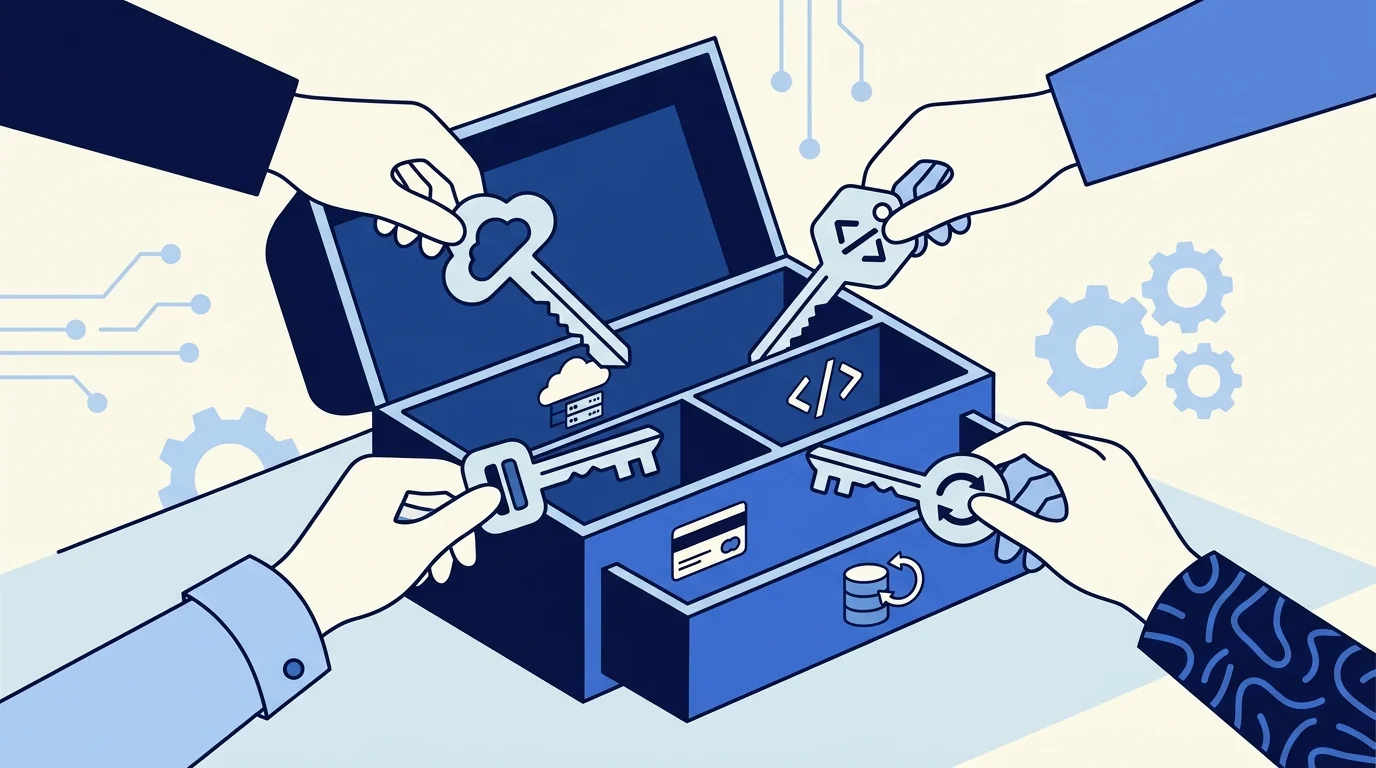
List the services the application depends on: source repository, hosting, domain registration, database, email delivery, identity provider and any paid APIs. For each, record the organisation that owns it, the billing contact, the renewal arrangement and the person responsible for access.
Invite named team members using the service’s account roles. Store recovery information in the company’s password manager. Avoid leaving the only administrator account attached to a contractor’s personal email address.
A code transfer can leave existing access in place. GitHub documents that repository collaborators remain after a transfer and that webhooks, secrets and deploy keys stay associated with the repository. Review those connections as part of the handover. Receiving the repository does not establish who should retain production access.
Check the services outside the repository
The code rarely contains the whole system. A scheduled task may run in the hosting platform, a callback may be registered in a payment dashboard, and an integration may belong to the developer’s account.
Platform transfers also have limits. Vercel’s project transfer documentation lists integrations among the items that must be added again after a transfer. Review the platform’s current transfer rules before moving a working application, then check its connections afterwards.
Keep a short dependency register with links to the relevant dashboards and a description of each service’s purpose. Record secret names and where authorised staff can manage them; keep the secret values in the approved secret store.
Write instructions for ordinary work and failures
Start with the jobs staff will actually perform: invite a user, correct a record, investigate a failed import, check an outgoing message and review a stuck order. State the access required, the steps to follow and the evidence that the task succeeded.
For failure procedures, specify when to stop. If retrying an operation could duplicate a payment or send a second message, explain how to establish whether the first attempt completed. The reconciliation process in recovering an automation after an outage is useful here.
Include an escalation contact, support hours and the information needed for a useful report. A customer reference, time of failure and job identifier will usually help more than a screenshot with no context.
Have the receiving team perform a release
Ask the person taking responsibility to deploy a small, reviewed change using the documented process. Confirm that they can identify the deployed version, inspect the result and recover if the release fails. Use a test environment where available, with a deliberate plan for any production checks.
Record the build requirements, configuration names, approval steps and rollback procedure. A recording of the original developer doing it can help, but the receiving operator should complete the task themselves. That exercise exposes missing permissions and unwritten assumptions while help is still available.
If ongoing development will remain with an external partner, the team still needs to understand who can authorise a release and how to request urgent support. Ownership and maintenance arrangements belong in the build-versus-buy decision, as well as the closing checklist.
Demonstrate recovery before signing off
Choose a representative backup and restore it into an isolated environment. Check useful records and relationships, not just whether a backup file exists. Document what is excluded, how recent the restored data is and which dependent services need separate recovery steps.
Finish with a short acceptance session. Have the receiving team locate an error, explain the next action, find the responsible account owner and follow one recovery procedure. Record anything they cannot complete, assign an owner and agree on a resolution date.
That list gives the handover a concrete endpoint. The team knows what it can operate, what still needs support and who will handle the remaining work.